 ENGLISH
 TÜRKÇE
Navigating the Google Ads Policy Landscape: What Every Advertiser Needs to Know
If you run paid traffic on Google, the policy landscape has never been more unforgiving. In 2024 alone, Google suspended over 39.2 million advertiser accounts – a 208% jump from 12.7 million the year before. AI-powered enforcement systems are getting faster and more aggressive, and a single misstep can take down an account before you even realize something is wrong.
At RockAds, we work with performance advertisers and agencies every day. We’ve seen the patterns. This post breaks down the policy areas that trip up even experienced advertisers and what you can actually do about them.
Unacceptable Business Practices: More Than Just Bad Ads
Google’s Unacceptable Business Practices (UBP) policy is broader than most advertisers expect. It doesn’t just cover your ad creative — it covers your entire user journey, from the first click to the checkout flow.
The most common UBP violations include:
Public figure impersonation: using a celebrity, politician, or well-known brand to imply endorsement. This includes deepfakes and AI-generated images. Google introduced explicit prohibitions on these in early 2024, and enforcement has been immediate and unforgiving.
Misrepresentation: hiding key information about your business, overstating product benefits, or implying affiliation with another brand without clearly stating the relationship.
Bad external ratings: if your business has a poor track record on platforms like Trustpilot or Yelp, Google may factor that into its review. User reports and third-party signals are actively monitored.
Aggressive or deceptive ad creative: manipulative imagery, unsubstantiated superlatives, and pressure tactics that mislead users about what they’re clicking on.
Affiliates and resellers face the highest risk under UBP. If you’re promoting someone else’s product, you need to make your relationship crystal clear, both in your ads and on your landing page. Stating that you are an “Authorized Partner” or “Licensed Reseller” and backing it up with documentation is no longer optional; it’s table stakes.
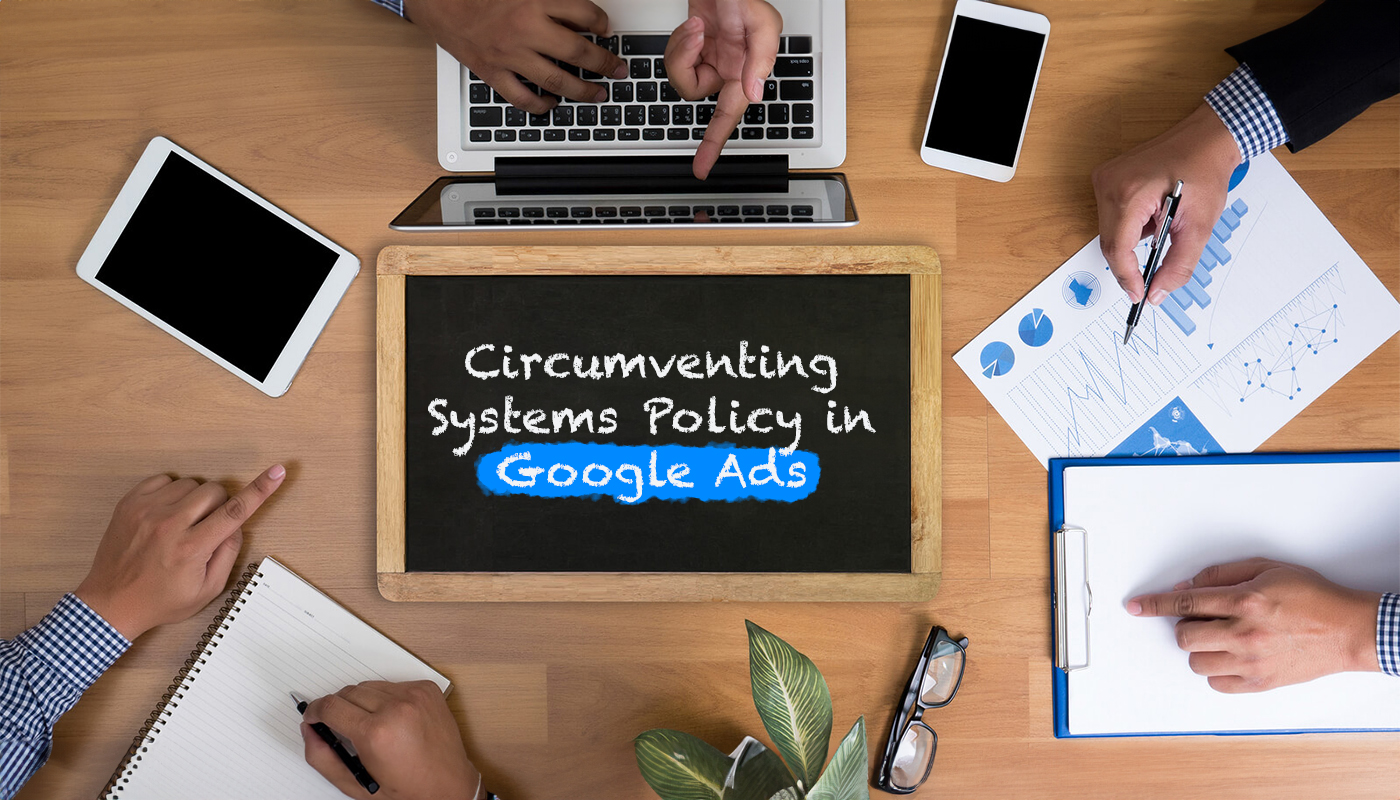
Circumventing Systems: The #1 Suspension Trigger
This is the violation that ends careers in performance advertising. Unlike most policy infractions, Circumventing Systems carries no grace period, no warning, and no strikes – just immediate, permanent suspension. And it’s the leading cause of account loss for affiliate marketers and agencies.
What triggers it?
Uncertified click trackers: using third-party tracking tools that aren’t on Google’s approved list, or setting up redirect chains that obscure the final destination.
Cloaking: showing Google’s review bots a different page than what users actually see. Even unintentional cloaking (e.g., geo-redirects, VPN detection scripts, or aggressive bot filtering) can trigger this flag.
Replicating disapproved content: if an ad or landing page was disapproved, rebuilding it with minor changes and re-submitting counts as evasion. Google cross-references content across accounts.
Account re-creation after suspension: opening a new account to get around a suspension is one of the most serious violations possible. Google ties accounts by payment method, IP address, browser fingerprint, and business identity.
| Trigger | Why it fires | What to do instead |
|---|---|---|
| Uncertified trackers | Redirect chain obscures destination | Use certified click trackers & MMPs (e.g., AppsFlyer, Adjust, Branch) |
| Redirect-heavy tracking links | Looks like cloaking to Google’s crawlers | Direct-to-LP matching; minimize redirect hops |
| Geo-blocking Google bots | Different content shown to reviewers vs. users | Never block or alter content for bot traffic |
| Duplicate account creation | Signals an attempt to evade enforcement | Resolve the existing suspension before advertising again |
If you work with affiliates or third-party traffic partners, their practices affect your account. Google holds the account owner responsible for downstream behavior. Vet your partners, and audit your tracking setup regularly, not just when something breaks.
Suspicious Payments & Billing Flags
Payment signals are one of the fastest ways to trigger an automated review, and one of the most overlooked by advertisers focused on creative and targeting.
Patterns that raise flags:
- Using virtual cards from unrecognized or high-risk issuers
- Making rapid changes to payment methods shortly after account creation or after a policy flag
- Running spend through “random” agency accounts with no consistent billing identity
- Payment failures across sub-accounts under a Manager Account (MCC)
Regular audits of your sub-accounts for billing consistency aren’t just good hygiene — they’re a suspension prevention tool. A payment failure in one sub-account can ripple upward and affect your entire MCC.
Business Operations Verification (BoV): What It Is and How to Pass It
BoV is Google’s mechanism for confirming that your business model actually matches what you’re advertising. It’s not a one-time checkbox, it’s a document review process, and failing it (or failing to complete it at all within 30 days) will pause your account.
Google is specifically looking for situations where the advertised business identity doesn’t match what’s actually present online. A mismatch between your verified business name in Google Ads and the branding on your landing page is one of the most common and easily avoidable BoV failures.
What triggers a BoV request:
- New account with aggressive early spend
- Operating in high-risk verticals (finance, healthcare, legal, supplements)
- Affiliate, dropship, or white-label business models
- Prior policy flags or suspicious account signals
How to pass it:
- Make sure the business name on your verification documents matches exactly what appears on your landing page and in your ad account
- Include information on every party in your value chain – agencies, domain owners, service providers – and provide contracts or agreements to document each relationship
- If your verified name is different from the brand on your landing page, submit a signed letterhead confirming domain ownership and explaining the relationship between entities
- Respond within the 30-day deadline; a paused account is far easier to recover than a suspended one
How to Respond When Your Account Gets Suspended
Suspensions feel like an emergency, and the instinct is to act fast. That instinct is correct, but fast and sloppy is worse than taking two extra days to build a proper response.
Here’s the process that actually works:
Submit your first appeal immediately. This starts the clock on Google’s review process and signals that you’re engaged. Don’t wait until you have all your documents, file first, then build your case.
Diagnose the real cause. Don’t assume you know why the suspension happened. Check your tracking setup, your landing pages, your billing history, your affiliate partnerships. Look for anything that could appear suspicious from Google’s perspective, even if it’s technically compliant.
Collect documentation. Domain ownership records, business registration, signed contracts with brands or affiliate networks, proof of compliance with the policies in question.
Submit a thorough second appeal. Explain your business model clearly, connect the dots between each piece of documentation, and address the specific violation Google cited. Vague appeals get rejected.
Complete Advertiser Verification if prompted. Don’t skip this step, it’s not optional, and ignoring it will close off your appeal path.
One thing to avoid at all costs: opening a new account while your suspension is under appeal. It doesn’t speed up the process. It makes everything worse.
Frequently Asked Questions
What is the most common reason Google Ads accounts get suspended?
Circumventing Systems is the #1 cause for affiliate and agency accounts. It covers uncertified trackers, redirect chains, cloaking, and account re-creation after a suspension. Unlike most violations, it triggers immediate account suspension with no prior warning.
What is Business Operations Verification (BoV)?
BoV is Google’s process to confirm that your business model matches what you’re advertising. You’ll need to submit legal documents and explain your entire value chain. Failing to complete it within 30 days pauses your account. A mismatch between your verified business name and what appears on your landing page is one of the most common BoV failure points.
Can I create a new Google Ads account after being suspended?
No. Creating a new account without resolving the underlying suspension is itself a Circumventing Systems violation and can result in a permanent ban across all accounts linked to your identity, payment method, or business.
What should I do immediately after a Google Ads suspension?
File your first appeal right away, then work backward to identify the root cause. Collect documentation, domain ownership, brand agreements, business registration, and submit a thorough second appeal that clearly explains your business model. Do not create a new account. Complete Advertiser Verification if Google requests it.
How long does it take to recover from a Google Ads suspension?
The median resolution time in 2025 was 32 days, according to industry data. But the actual range runs from same-day reinstatements to suspensions that drag on for years. The quality of your appeal documentation is the single biggest variable within your control.
Running into policy issues on Google Ads?
RockAds helps performance advertisers and agencies stay compliant, recover suspended accounts, and build account structures that don’t blow up. Get in touch with our team.
SHARE